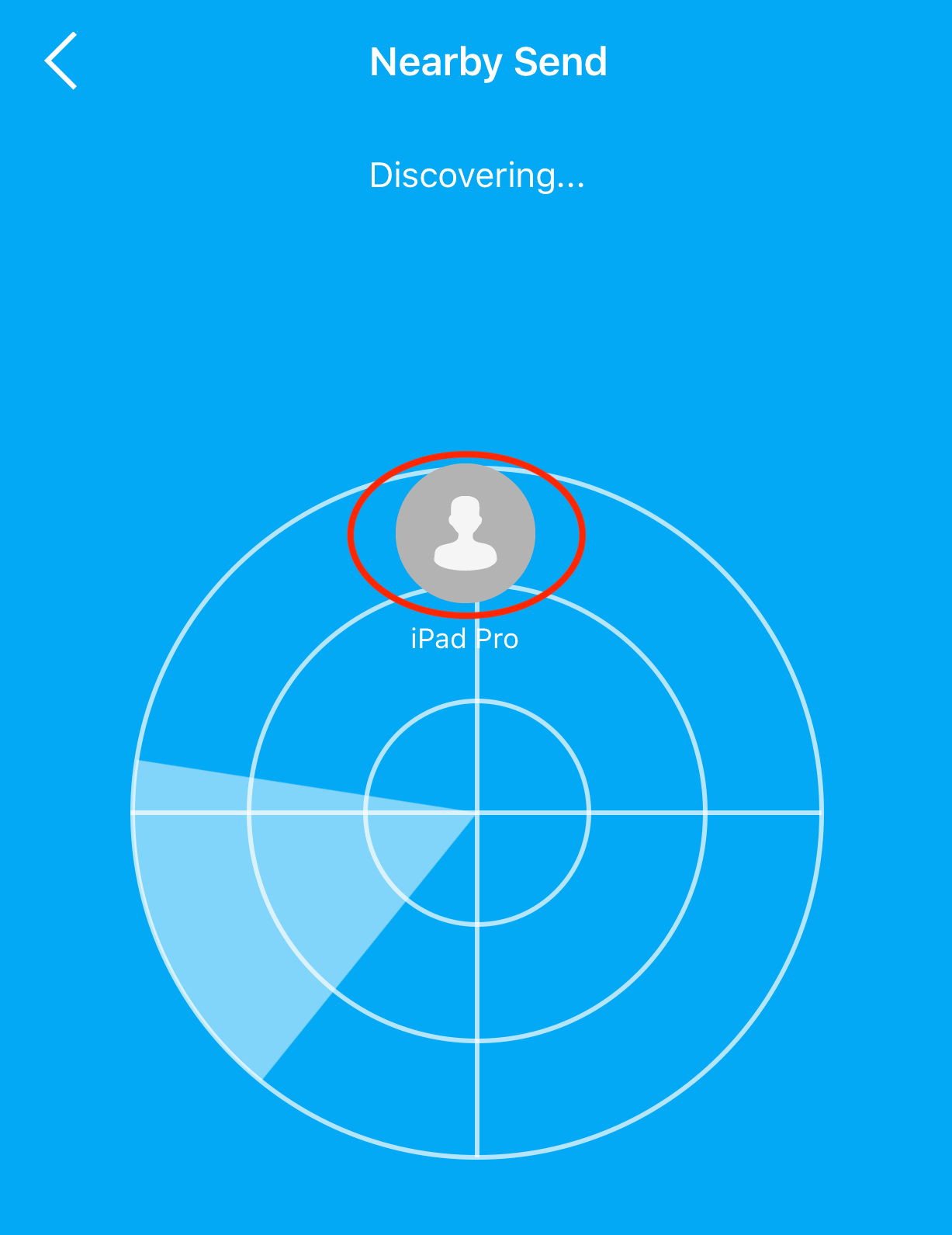
Nearby File Transfer
FE File Explorer can transfer files between two nearby iOS devices without Wi-Fi.
- Place the two devices near each other.
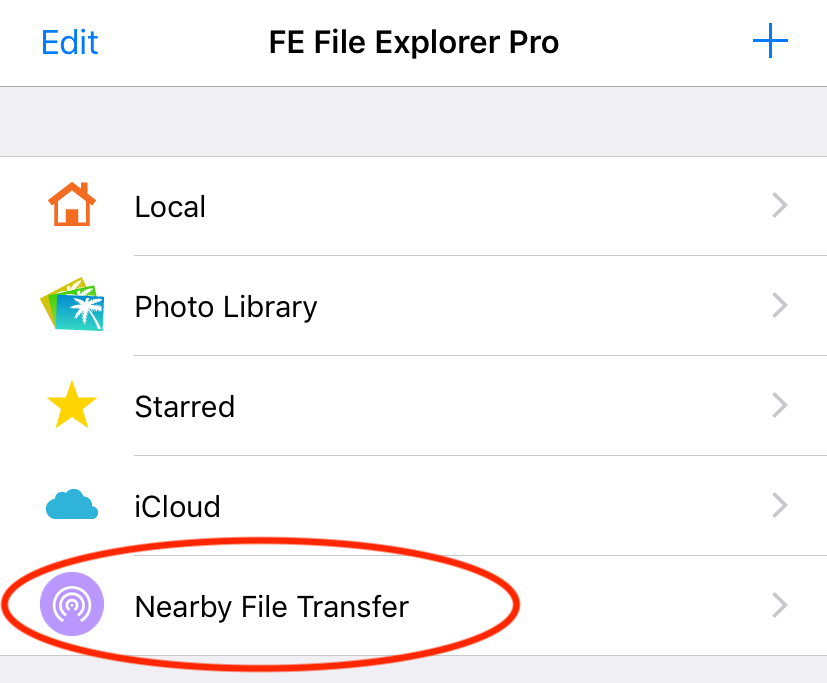
- On the receiving device, open Nearby File Transfer and tap Receive.

- On the sending device, open a local folder.
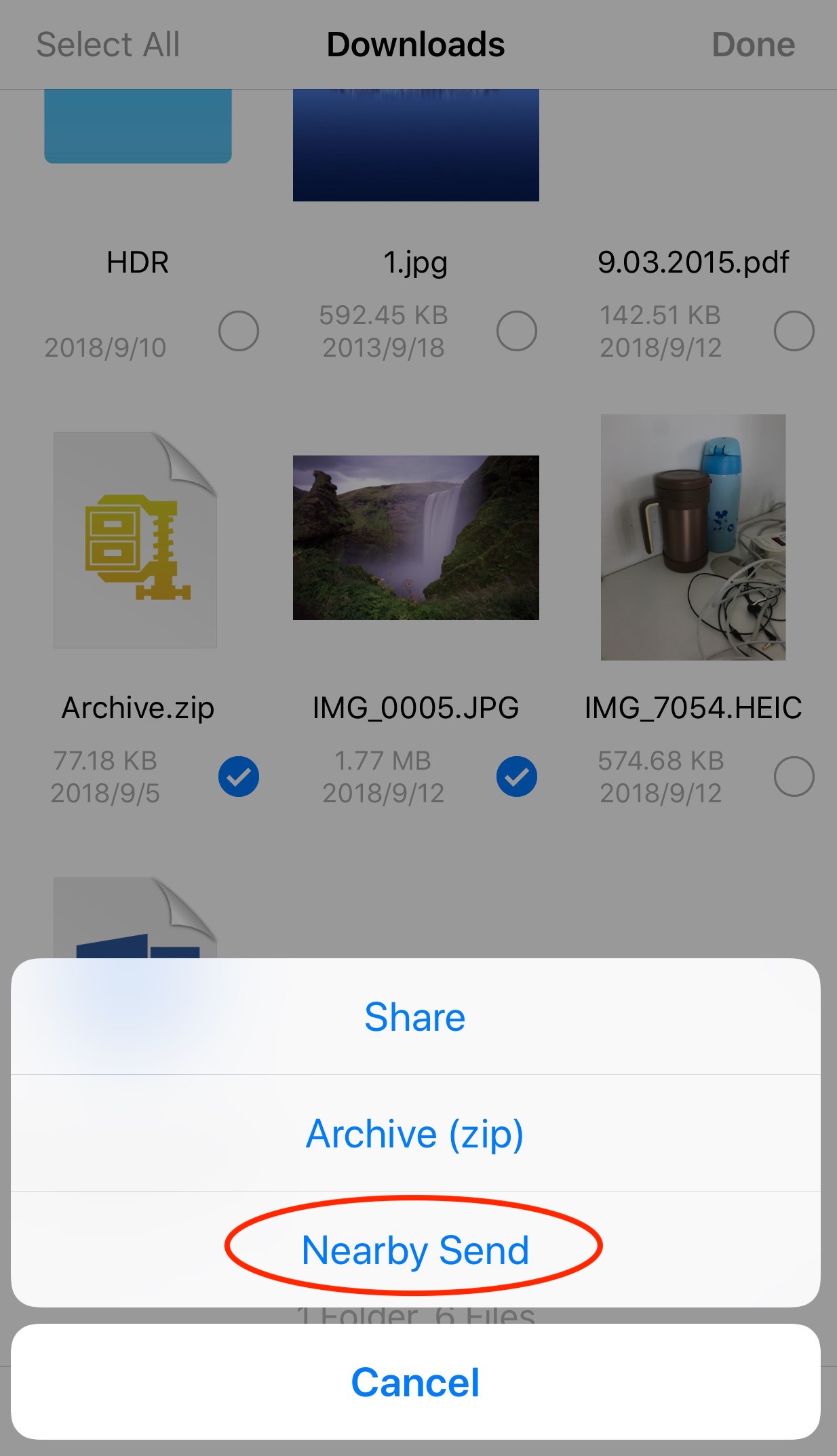
- Tap Select and choose the files or folders.
- Tap More in the toolbar, then tap Nearby Send.
- Choose the receiving device to send the files.