
Organize files with ease
Sort by date, name, or type. Copy and move items through folders and subfolders, or use drag and drop when that is quicker.
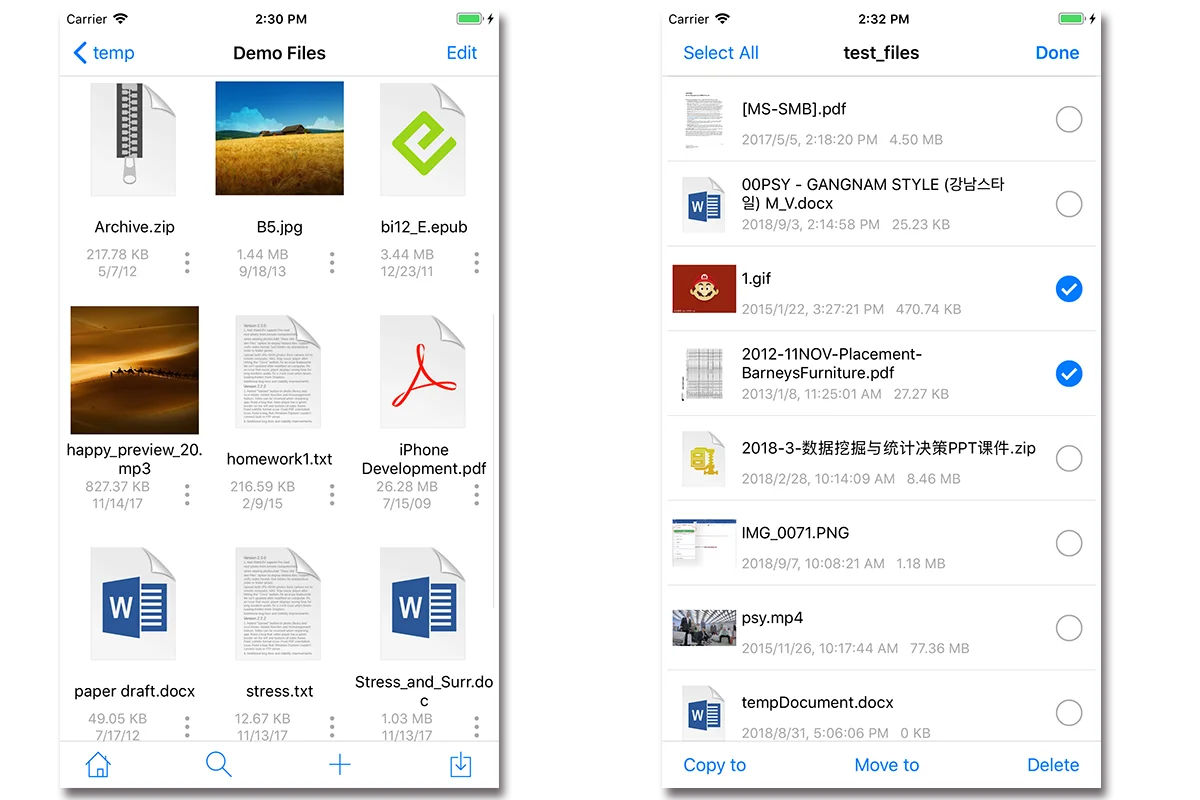
FE File Explorer brings files on your devices, computers, NAS, servers, cloud storage, and USB drives into one clear workspace. Browse, move, stream, and manage them without the usual detours.
Move between local storage, a computer, a NAS, a server, or the cloud without changing your workflow.
The original FE toolkit, brought together in a clean experience for browsing, connecting, transferring, viewing, and playing.
Sort by date, name, or type. Copy and move items through folders and subfolders, or use drag and drop when that is quicker.
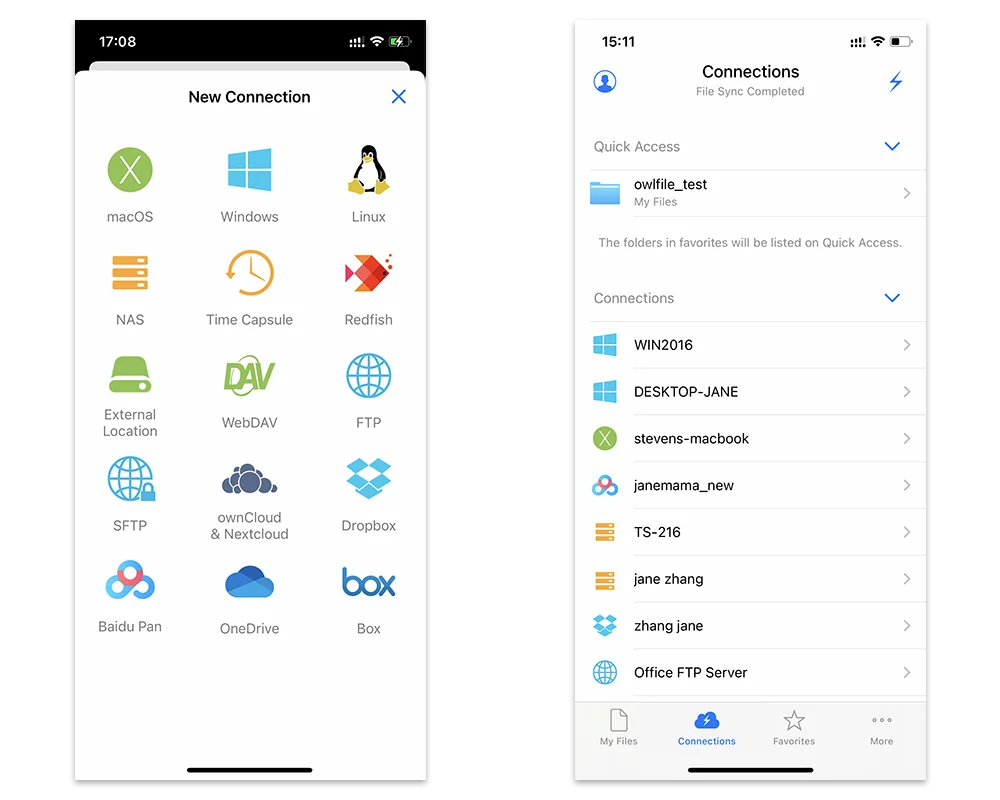
Reach network shares on macOS, Windows, and Linux, plus Time Capsule, WD, Synology, QNAP, WebDAV, FTP, SFTP, Dropbox, OneDrive, Box, and USB drives.
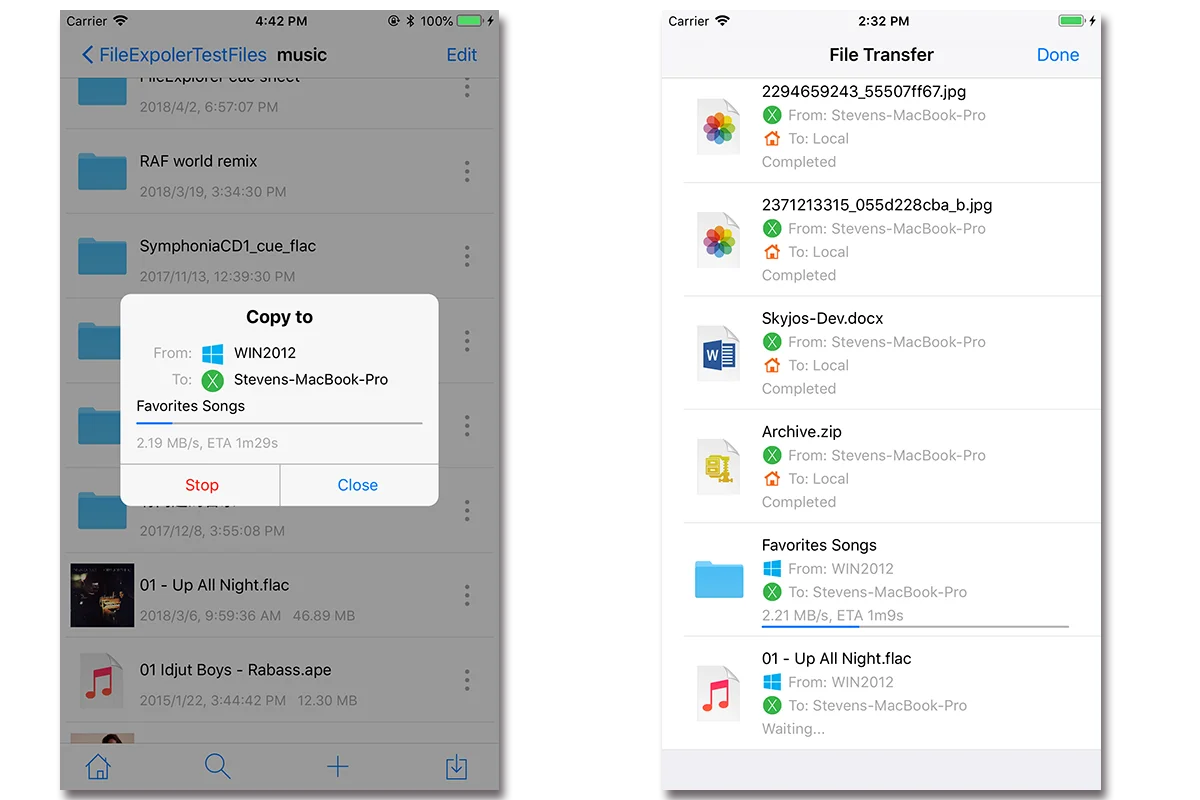
Copy files directly between network shares, cloud storage, iPhone, iPad, Android, and computers—even from one remote service to another.
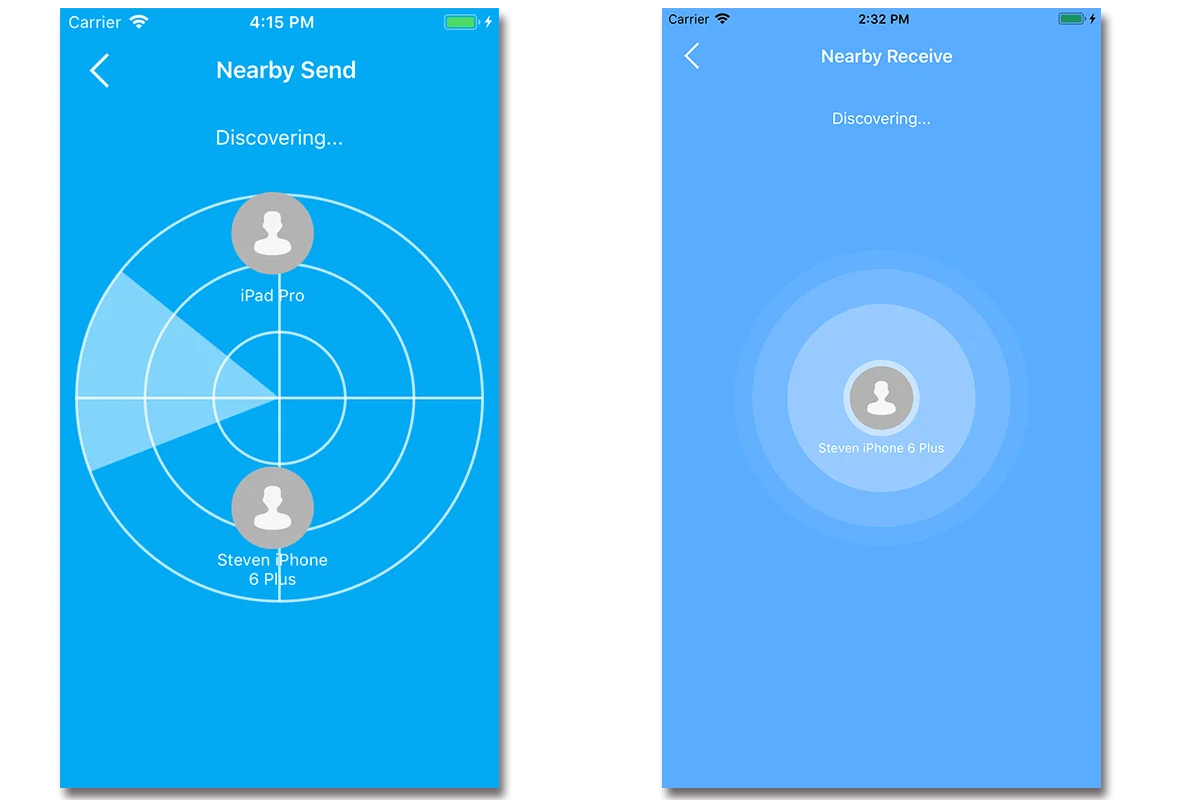
Send files directly between nearby iOS and Android devices, with no cloud handoff in the middle.
Open documents directly in FE. For PDF, Microsoft Office, and iWork editing, use FE’s extension to edit in the appropriate app and save changes back.
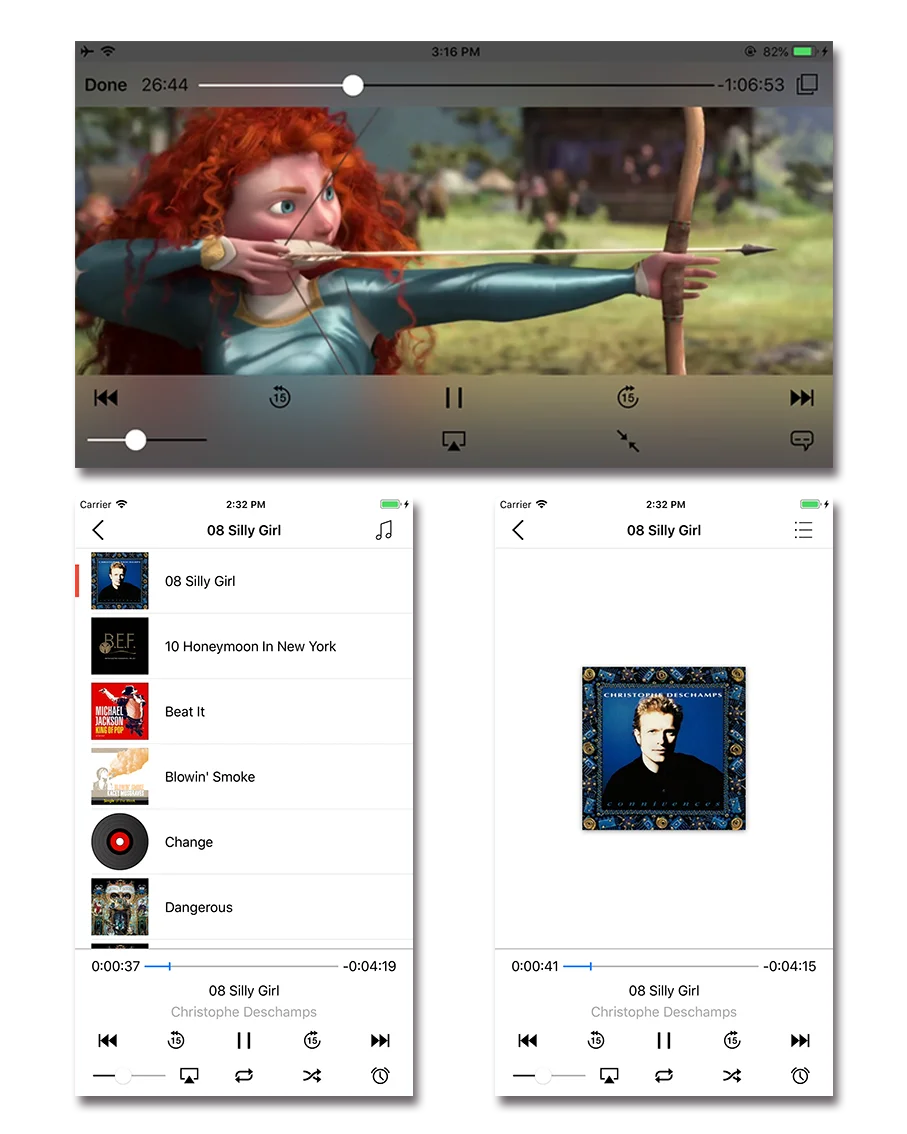
Enjoy common formats including MOV, MP4, AVI, MKV, FLAC, APE, MP3, and AAC, plus CUE and M3U playlists.
View popular and RAW photo formats—including JPG, PNG, GIF, CR2, NEF, ARW, and DNG—right where the files are stored.
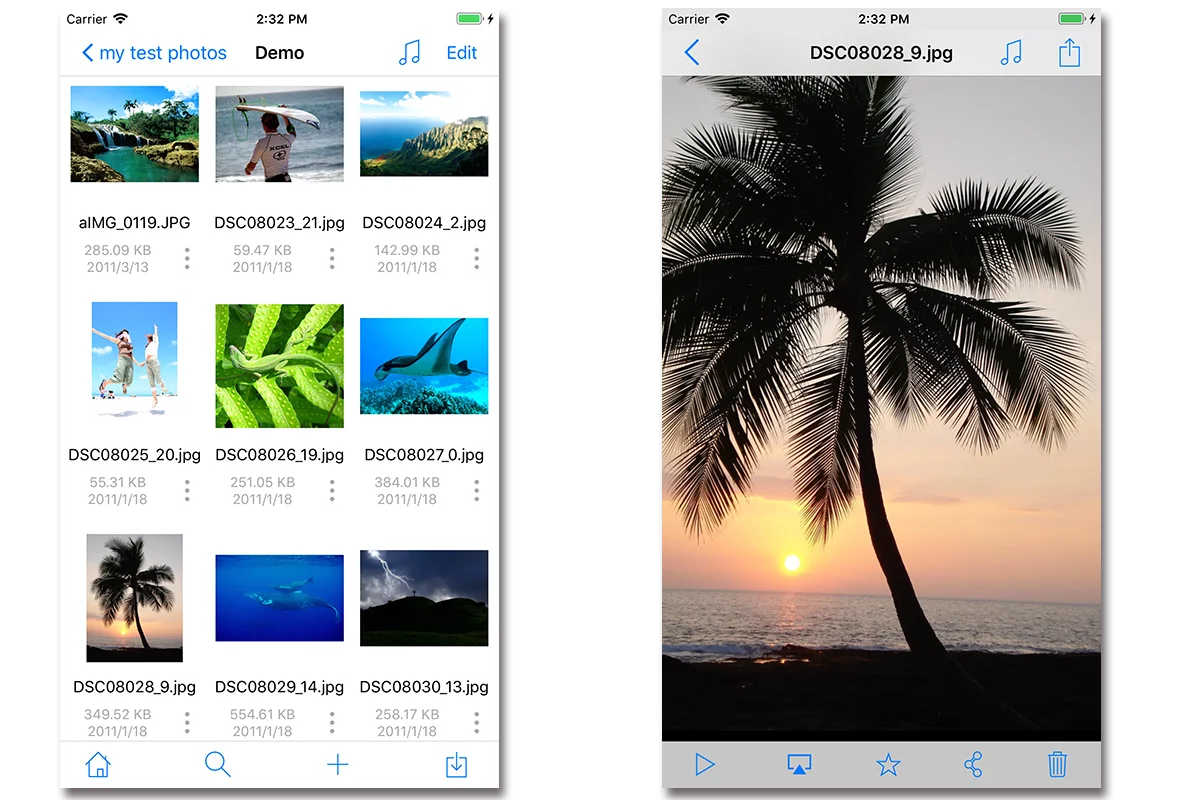
On iOS, play videos, songs, photos, and slideshows on a TV through AirPlay or an HDMI connection.

Download FE File Explorer and bring your everyday file work into one familiar place.