
Manage connections
Reorder connections
Open the Connections tab, then drag a connection to its new position.

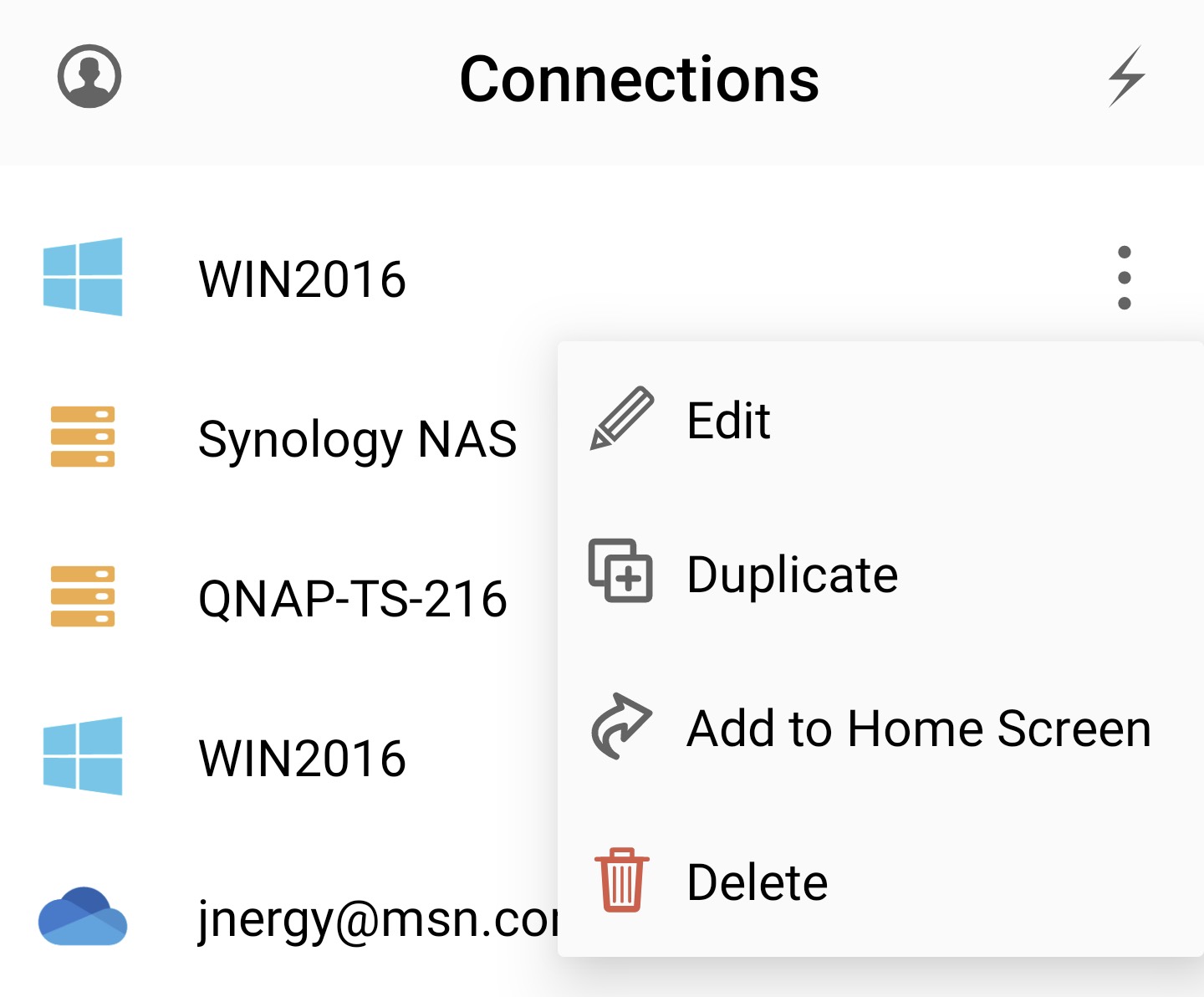
Duplicate, edit, or delete a connection
Open the context menu for a connection, then choose Duplicate, Edit, or Delete.
Open the Connections tab, then drag a connection to its new position.
Open the context menu for a connection, then choose Duplicate, Edit, or Delete.