
Document editing
Owlfiles includes a plain-text editor. For Word, Excel, PDF, and other document formats, use Edit With to open a document in a compatible app and save your changes back to the network share or server.
Edit a document with another app
- Open the context menu for the document.
- Tap Edit With.

- Select the app you want to use. For example, select Microsoft Word to edit a
.docxfile. - Edit the document. Your changes are saved back to the server.
Edit documents through the Storage Access Framework
Owlfiles supports the Android Storage Access Framework (SAF), so compatible apps such as Microsoft Word and Adobe Acrobat Reader can open and edit documents directly.
- Open Microsoft Word on your phone or tablet.
- In the Open tab, tap Browse.

- In the document picker, tap Owlfiles and select the document to open.
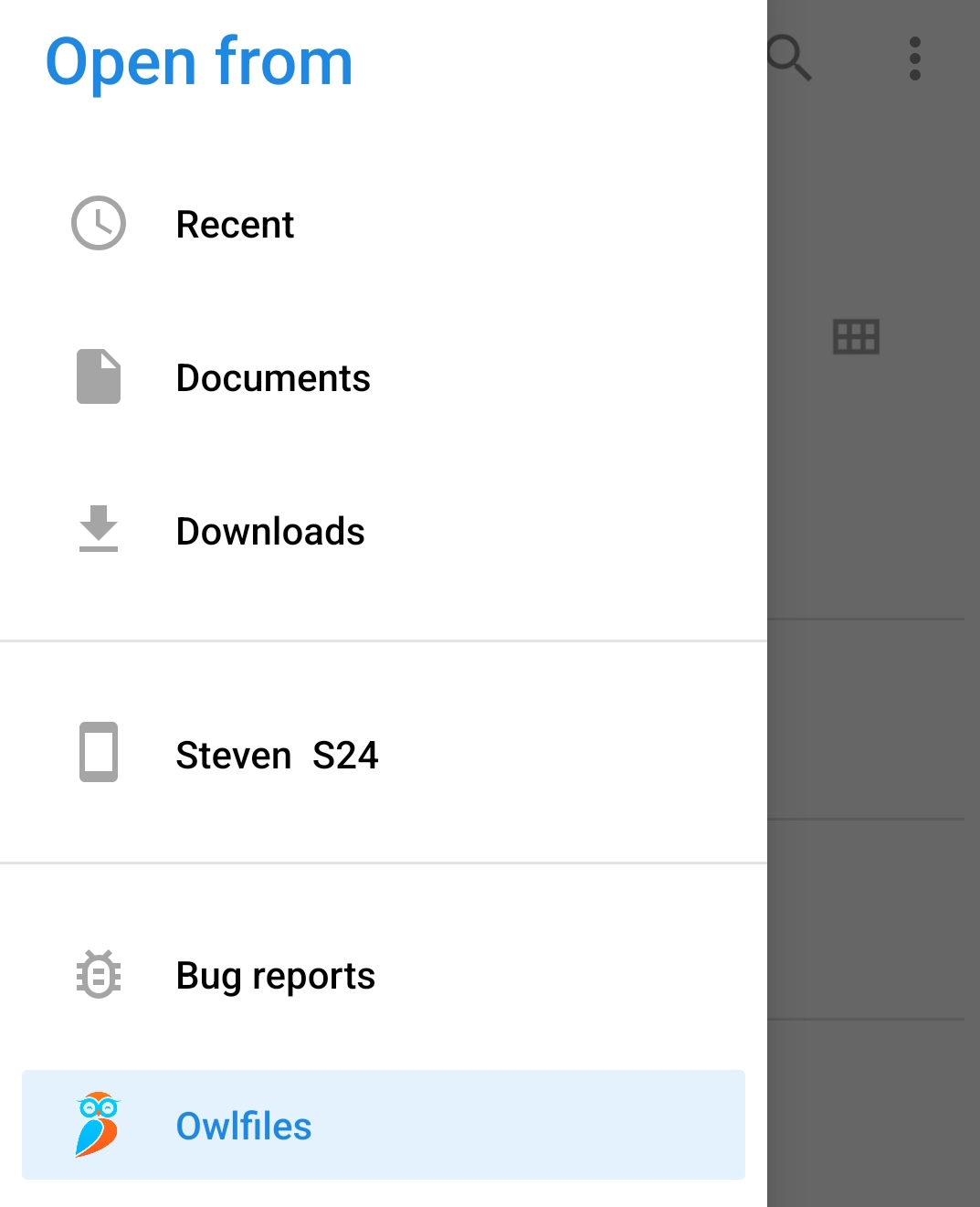
- Edit the document. Your changes are saved back to the server.
Edit a plain-text file
Open the text file in Owlfiles, then edit it directly without using another app.