File management
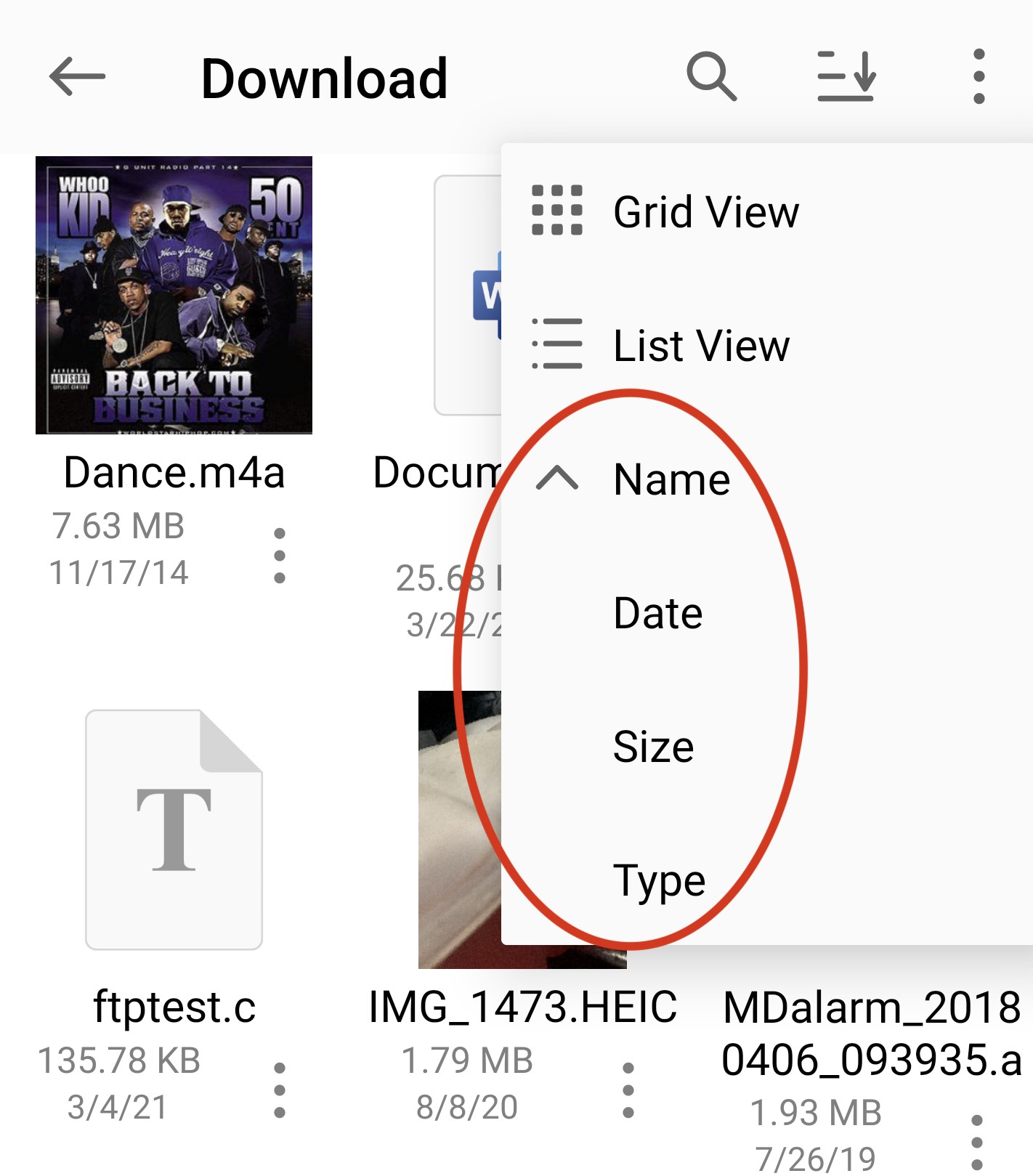
Sort files
Sort files and folders by name, date, or size in ascending or descending order.
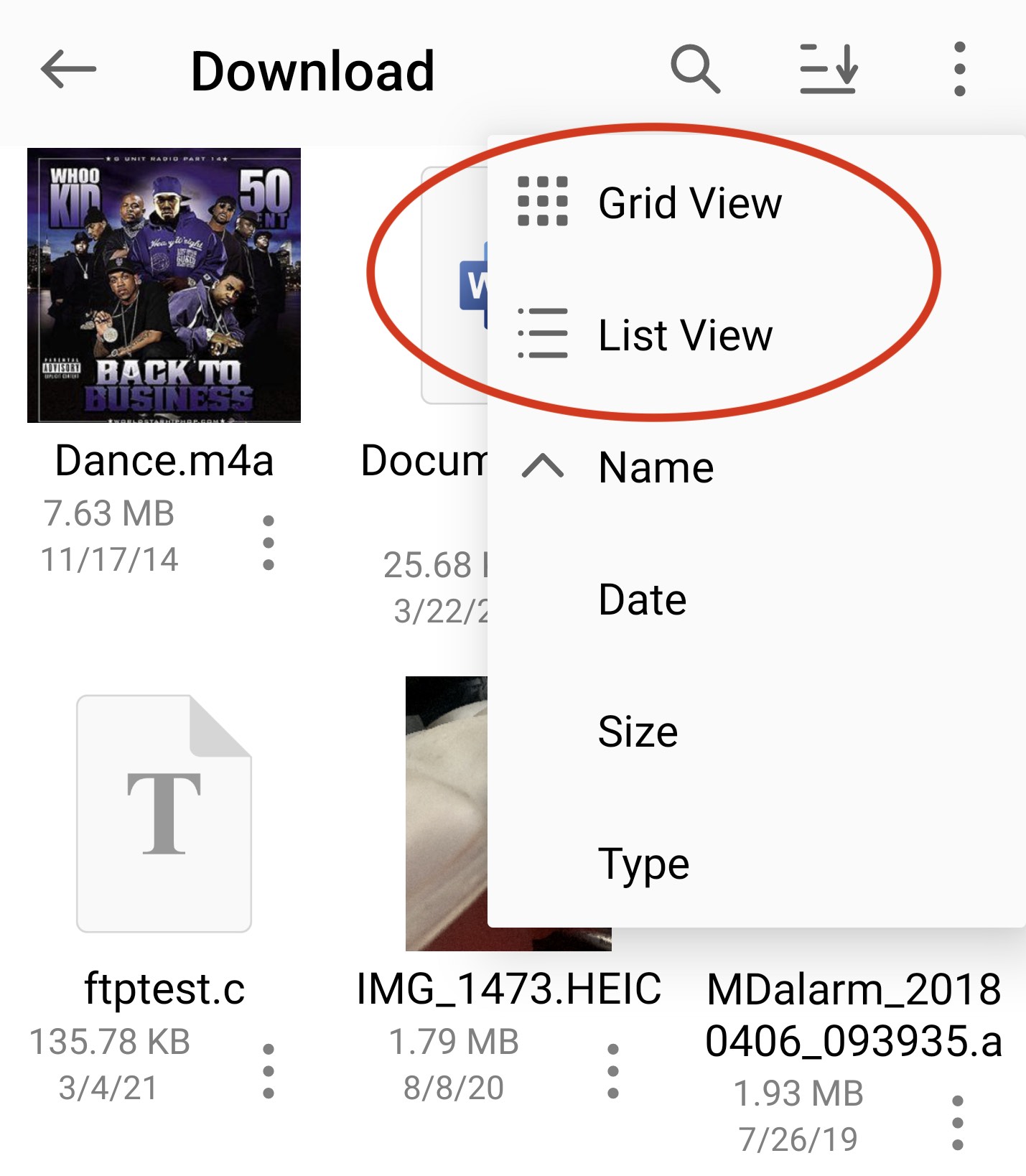
Switch between grid and list view
Switch between grid view and list view.
Rename a file
Open the file context menu and tap Rename.
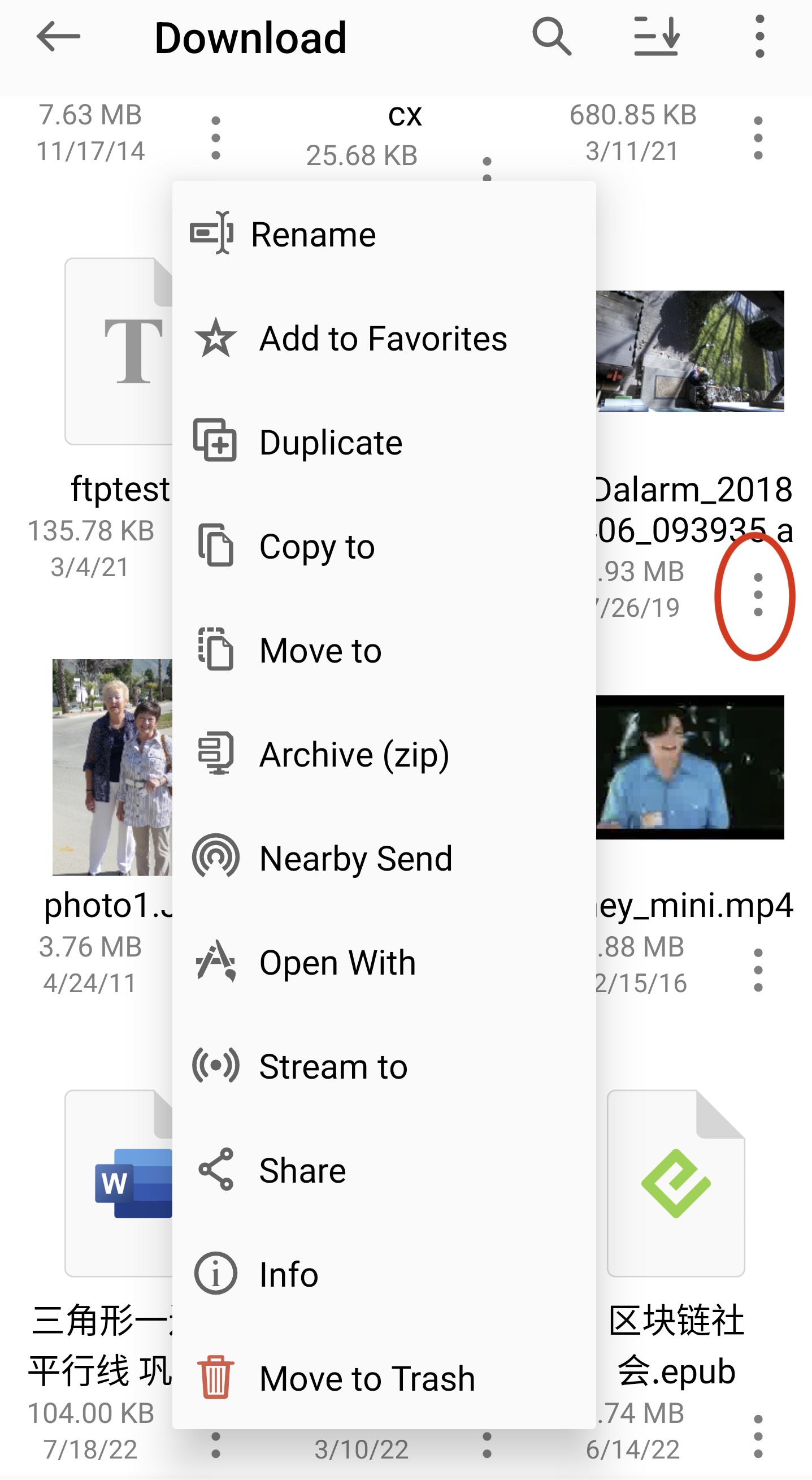
Copy, move, or delete files
- Open the folder containing the files.
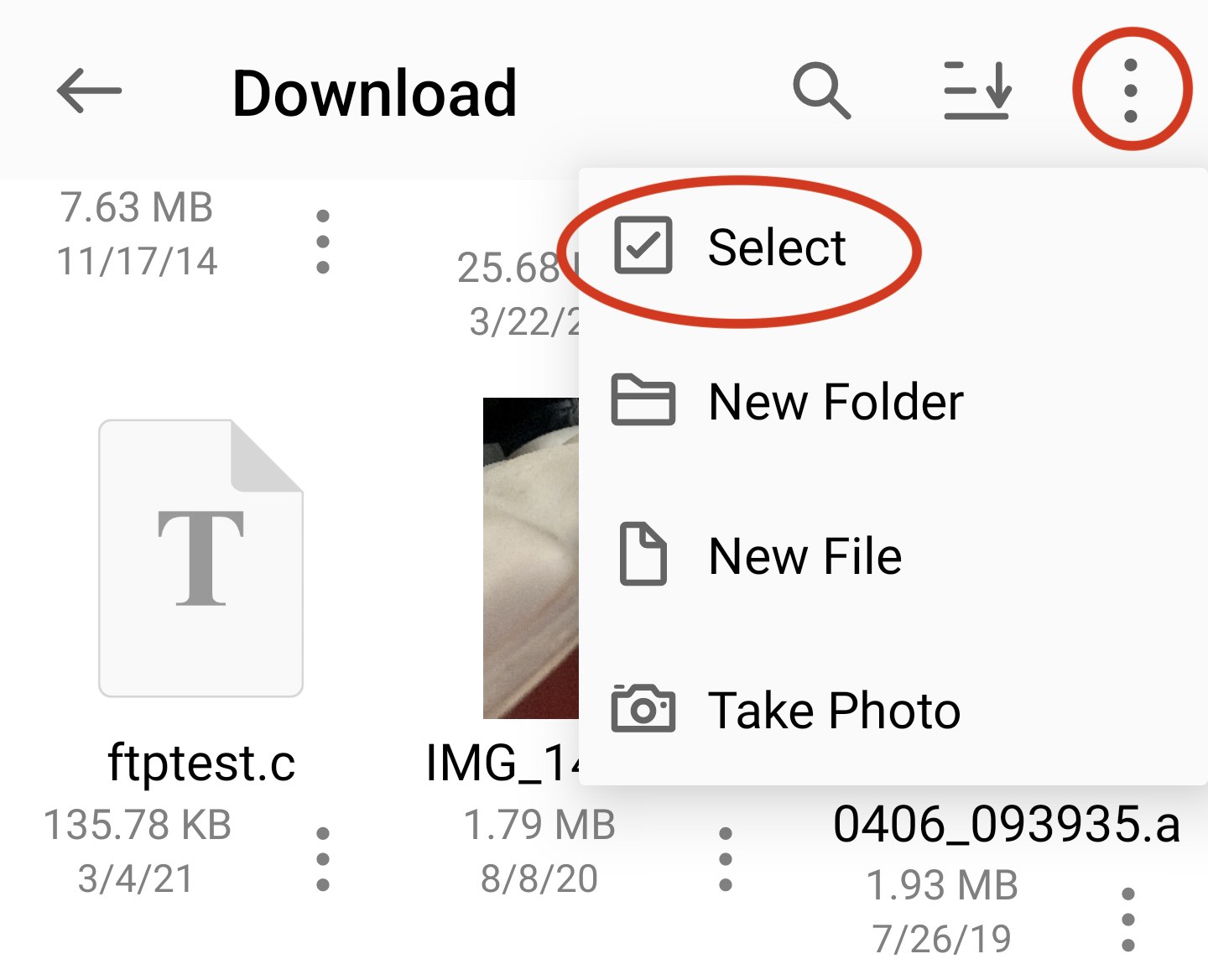
- Tap Select in the action menu.
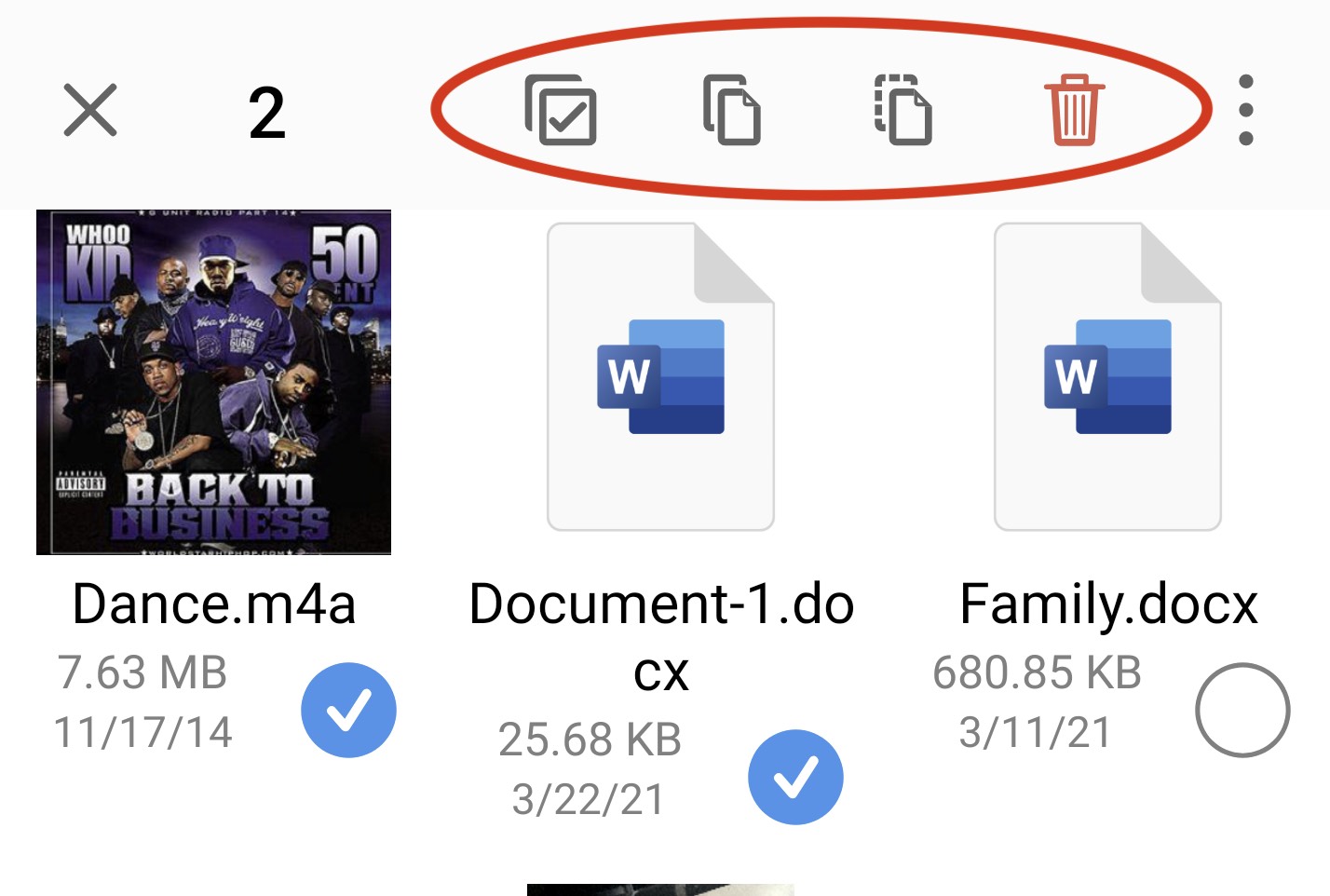
- Select the files.
- Use the toolbar actions to copy, move, or delete them.