Edit Photos
Edit a Photo
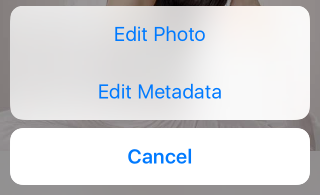
- Tap the pen button, then tap Edit Photo.
- Crop the photo, add filters, or adjust brightness and color.

Add a Star Rating or Description
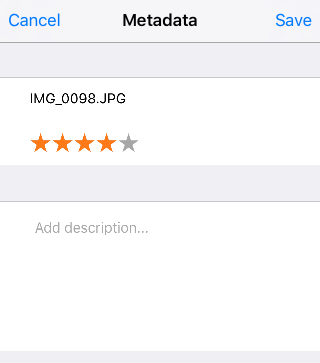
- Tap the pen button, then tap Edit Metadata.
- Rename the photo file if needed.
- Rate the photo with stars.
- Add a description.