Sign in with a QR code
If Owlfiles is already signed in on a mobile device, use that device to sign in quickly on your Windows PC.
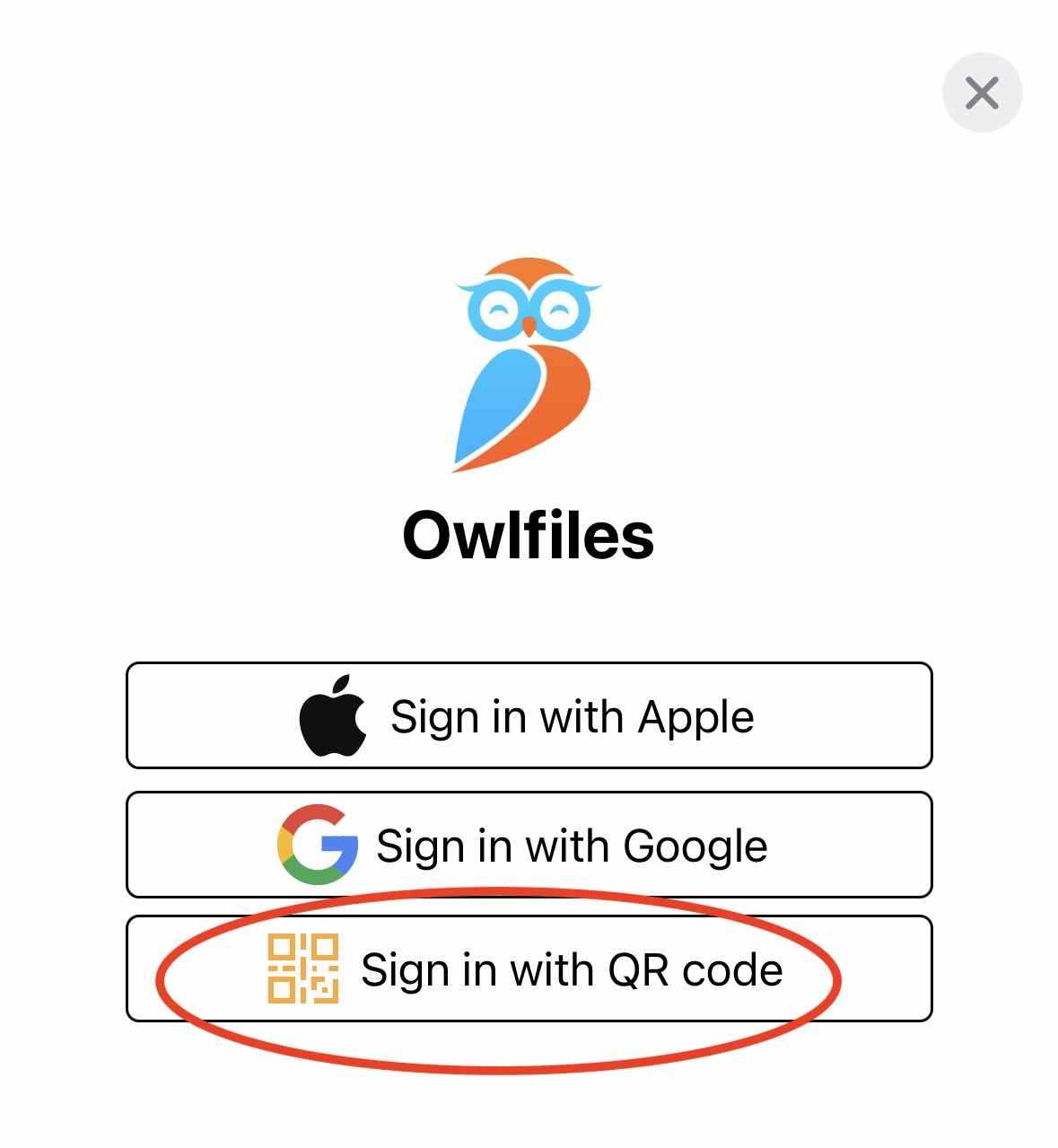
- On your Windows PC, open the account screen and click Sign in with QR Code.
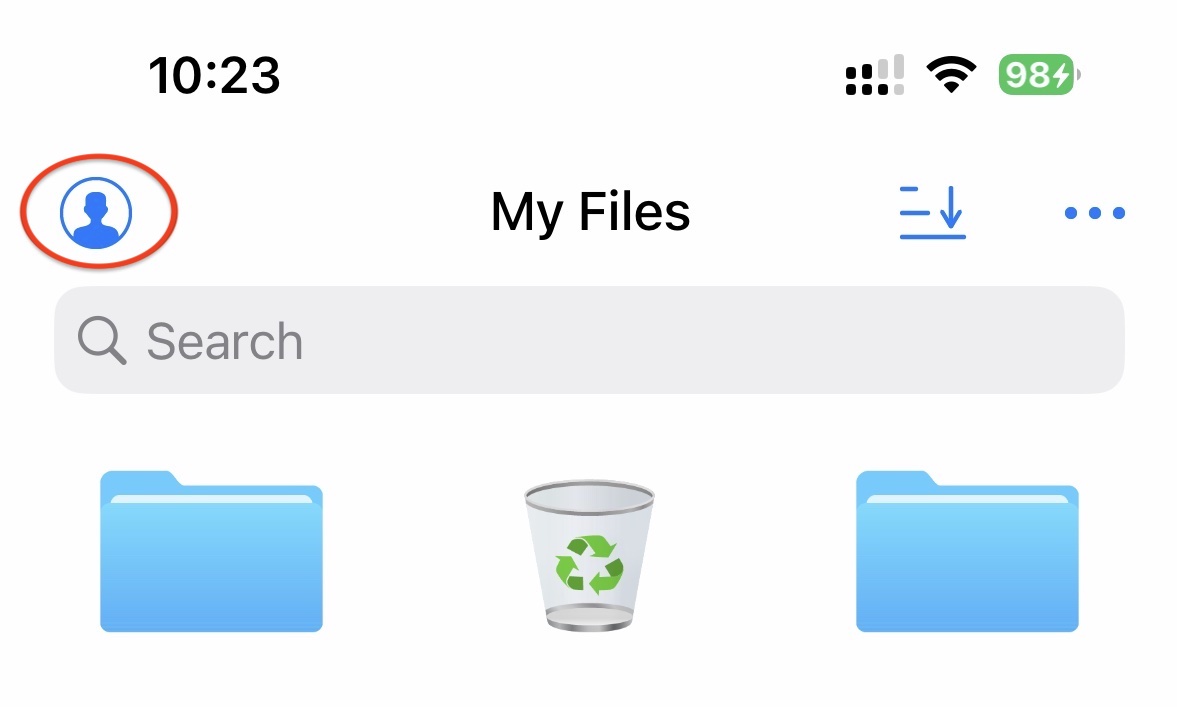
- On the mobile device that is already signed in, open the account screen.
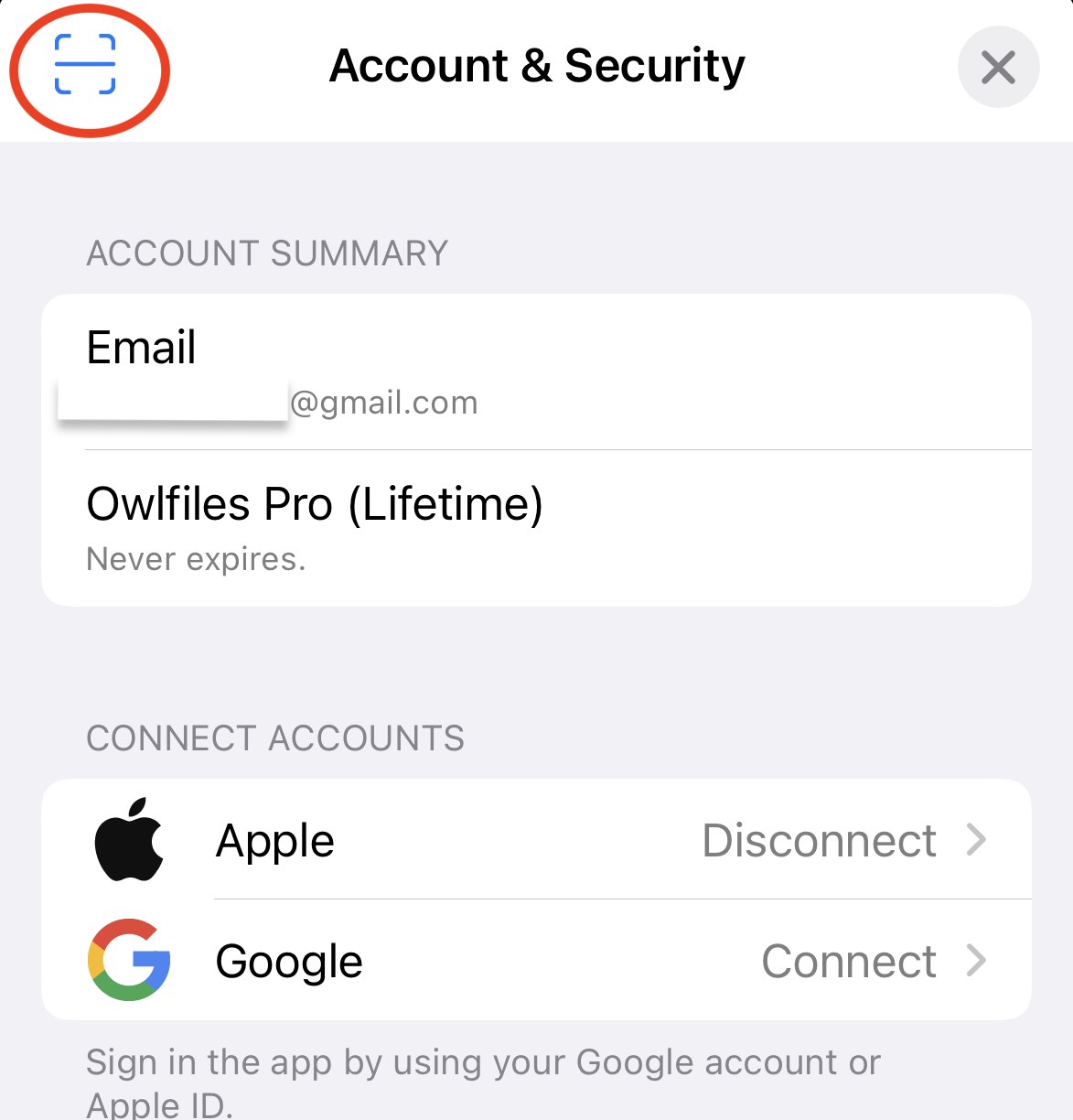
- Tap the scan button and scan the QR code shown on your Windows PC.