Set up a connection
Before connecting, configure file sharing on your computer:
Find a computer automatically
- Open the Connections tab.
- Tap the lightning button in the upper-right corner.
- Select a connection type.
- Tap Network Neighborhood.
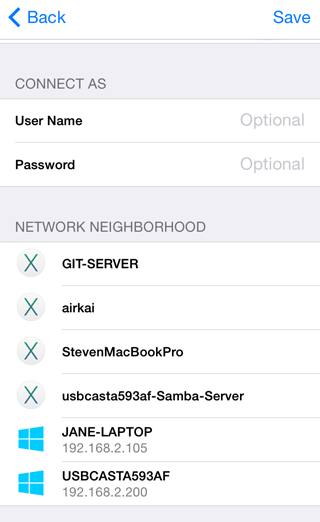
- Select your computer and enter its username and password.
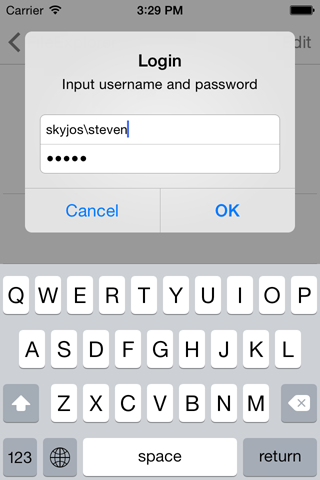
If the computer belongs to a Windows domain, enter the username as domain;username.
Enter a computer address manually
- Open the Connections tab.
- Tap the lightning button in the upper-right corner.
- Select a connection type.
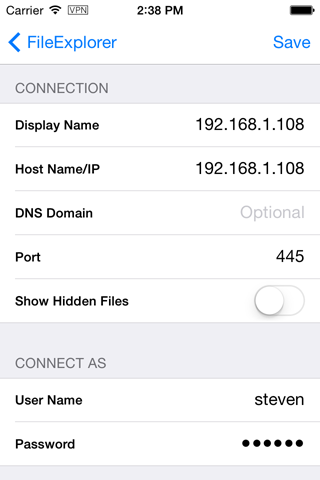
- Enter the computer name or IP address.
- Enter the computer username and password.