
Back up photos
Create a photo backup
Back up photos and videos from your iPhone or iPad to a computer, NAS, or cloud service.
- Open the More tab and tap Backup Album.
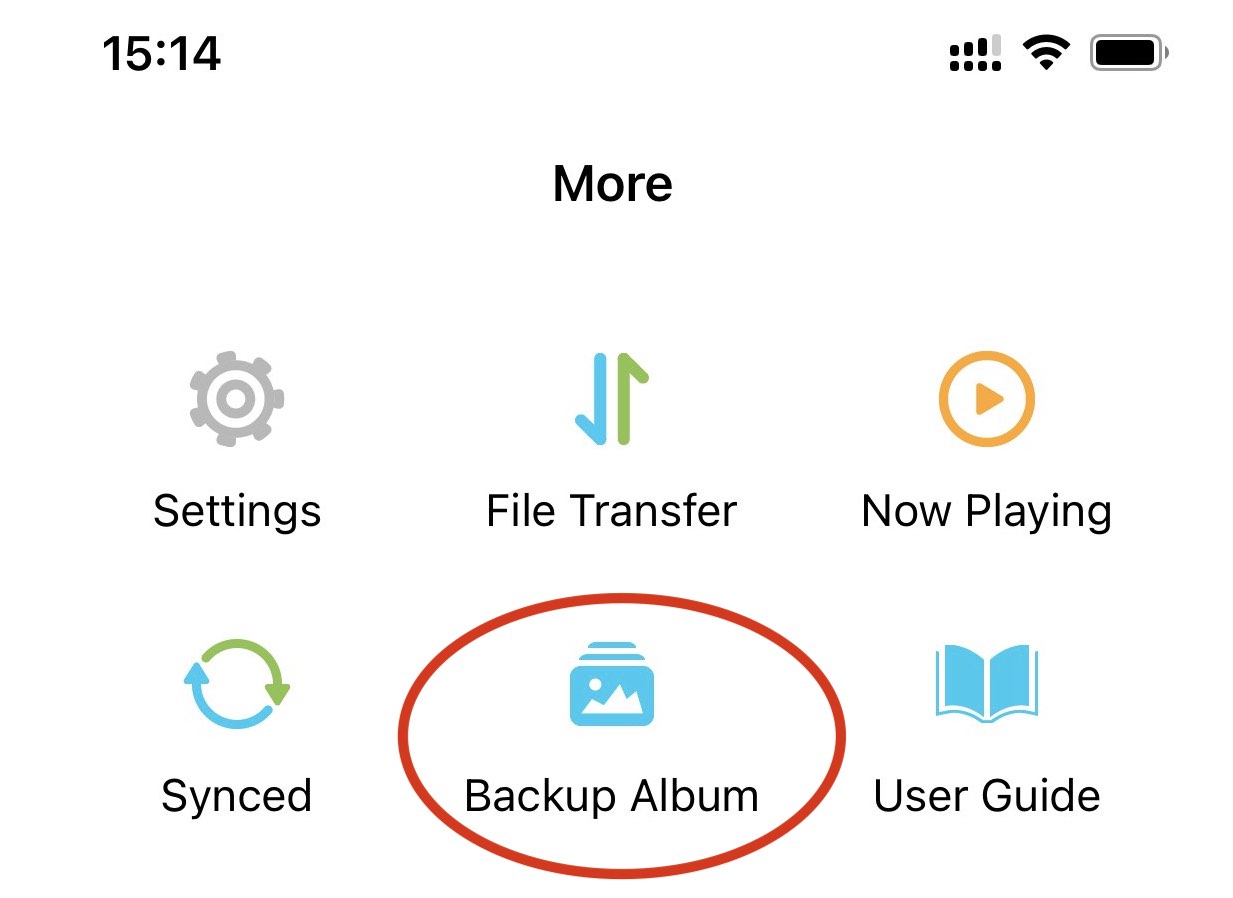
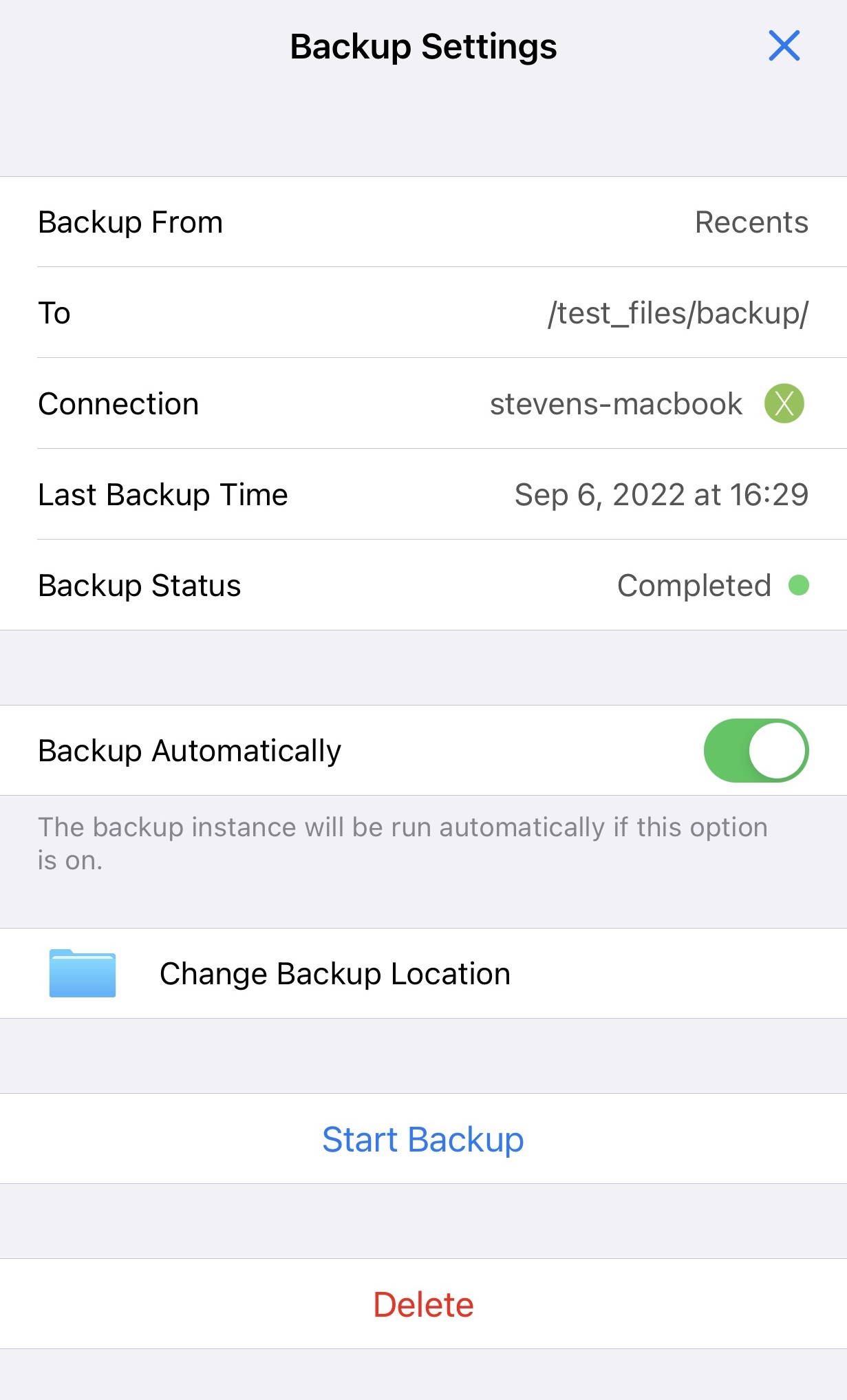
- Select a destination folder.
- Choose whether to run the backup automatically.
- Tap Start Backup.
Run a backup manually
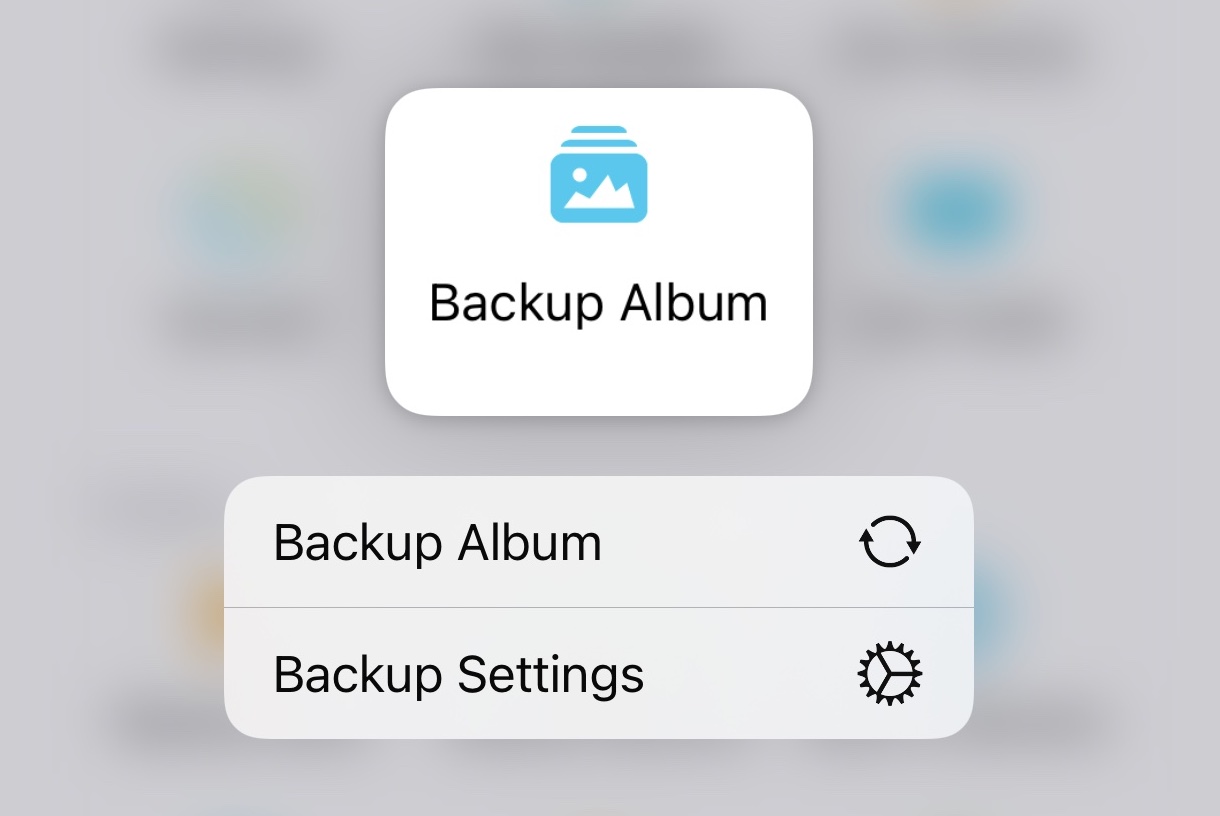
Touch and hold Backup Album, then choose Backup Album from the context menu.
Delete a backup
- Touch and hold Backup Album.
- Tap Backup Settings.
- Tap Delete.
Deleting the backup configuration does not delete photos or videos from your device or the backup destination.