Every kind of note
Write by hand with Apple Pencil, type text notes with headings and checklists, or import PDFs, photos, and scanned documents and write right on them. Highlight, add text boxes and stickers, and keep everything in one place.

UltraNotes turns handwritten notes, sketches, and ideas into dynamic digital content. Whether you are studying, working, or creating, capture thoughts, draft documents, and sketch designs in one seamless space.


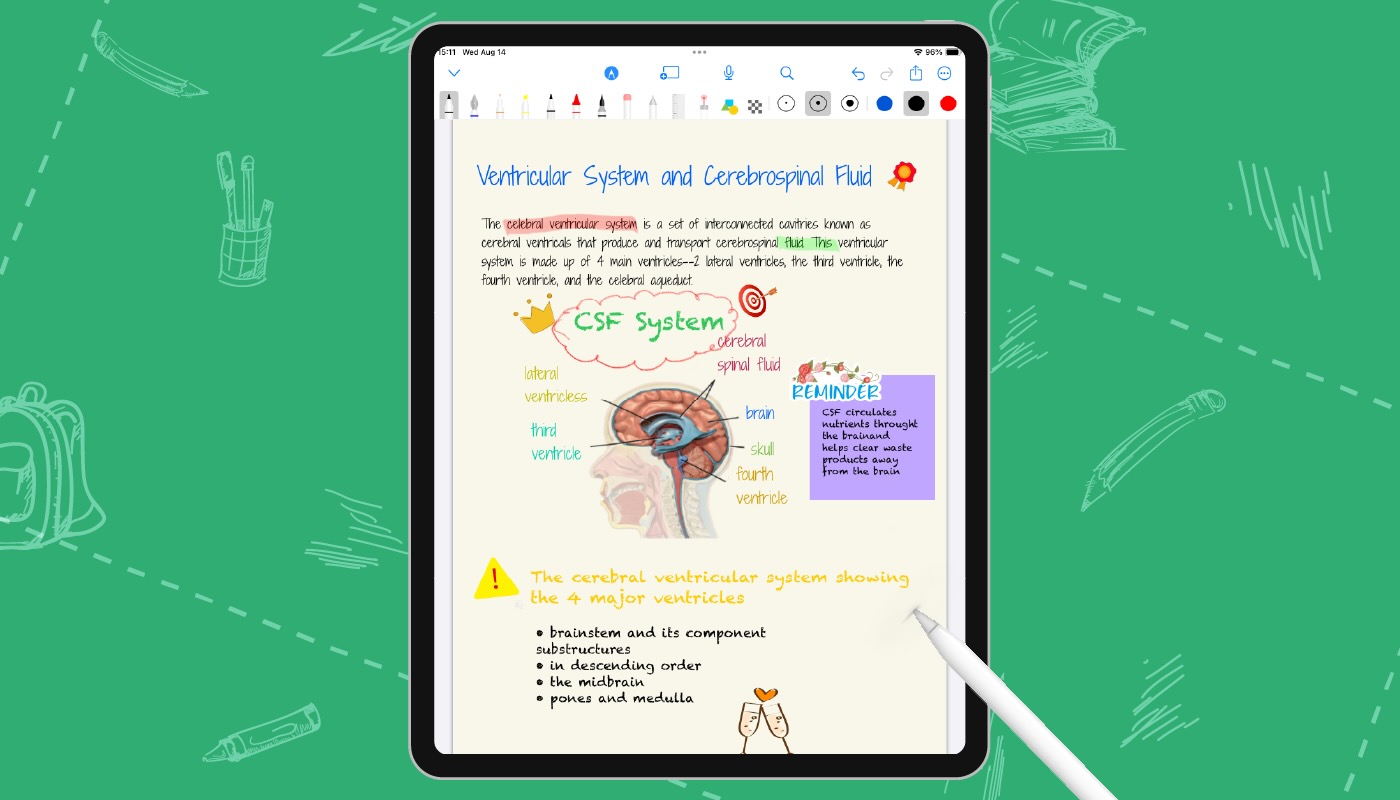
Write by hand with Apple Pencil, type text notes with headings and checklists, or import PDFs, photos, and scanned documents and write right on them. Highlight, add text boxes and stickers, and keep everything in one place.
Create notes with beautiful covers and configurable templates, from ruled, grid, and Cornell paper to planners and music staves. Adjust line spacing, theme, and page size, or import your own.

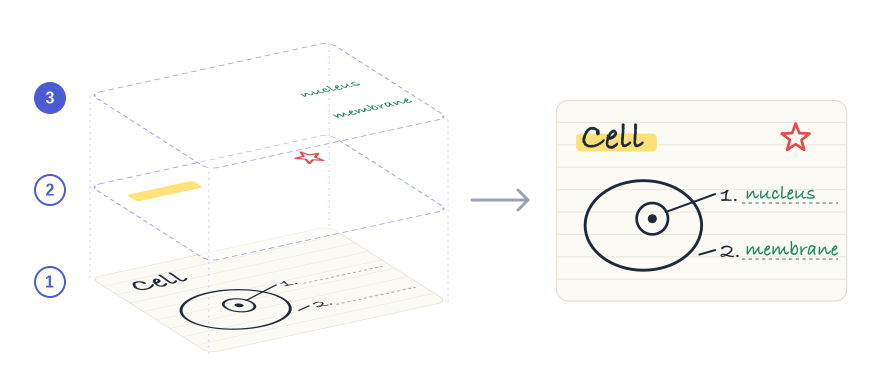
Stack your content like sheets of tracing paper. Keep notes, highlights, and answers on separate layers, then show, hide, or reorder them across the whole note.
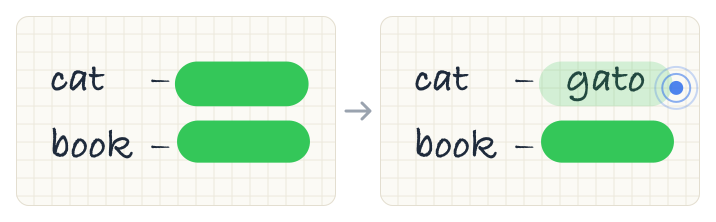
Cover answers, key terms, and translations with tape, then tap to check yourself. Keep answers on their own layer and hide them all at once.
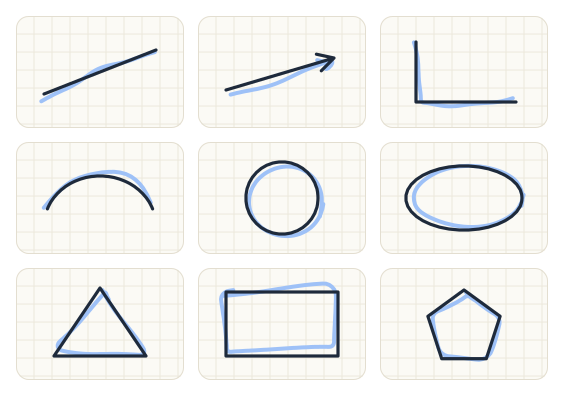
Draw a rough shape and get a perfect one. Lasso your handwriting to move, resize, recolor, or turn it into text.
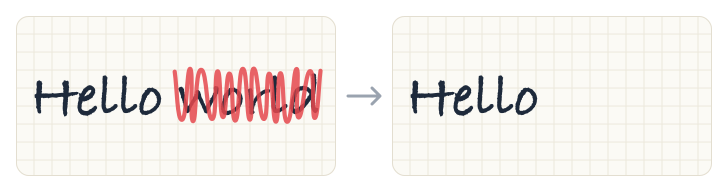
Made a mistake? Scribble over the words with your pen and lift it. The handwriting disappears, with no need to switch to the eraser.
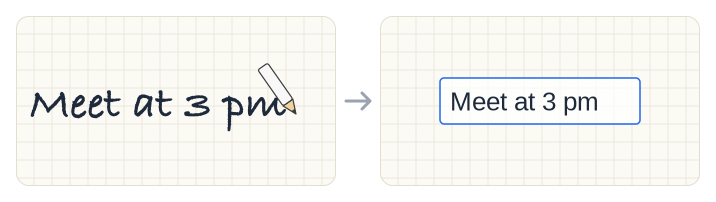
On iPad, write with Apple Pencil anywhere on the page and your handwriting turns into neat, typed text. Add to existing text boxes, and choose the font, size, and color.
Synchronize notes across your iPhone, iPad, and Mac with iCloud. Back up your notes to Google Drive.
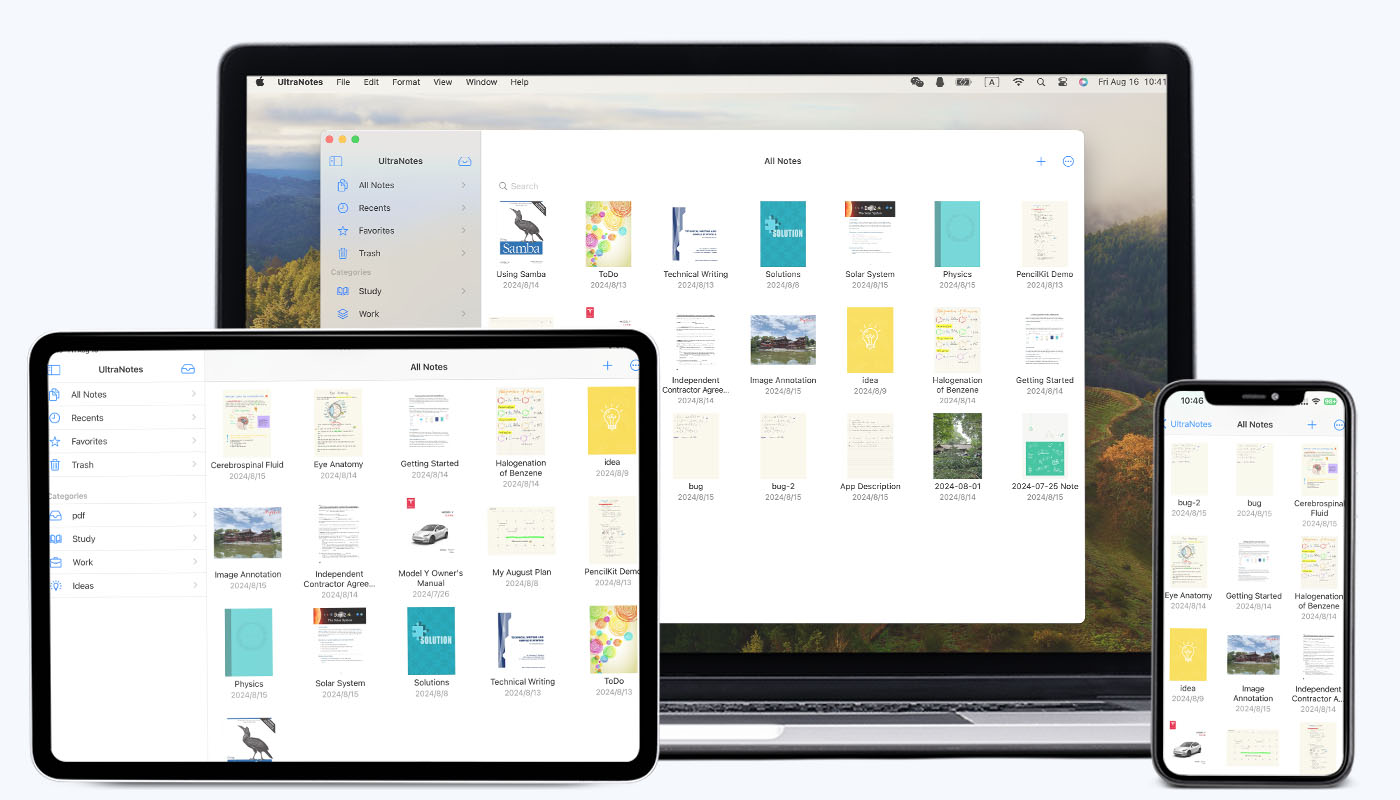
Write, draw, annotate, present, and keep your notes close—on the devices you use every day.